The Real Loss of Website Downtime
Introduction
In today’s digital economy, a website is no longer just an online presence.
It is:
• Your digital storefront
• Your sales system
• Your customer support hub
• Your lead generation engine
• Your brand identity
Which means one important thing:
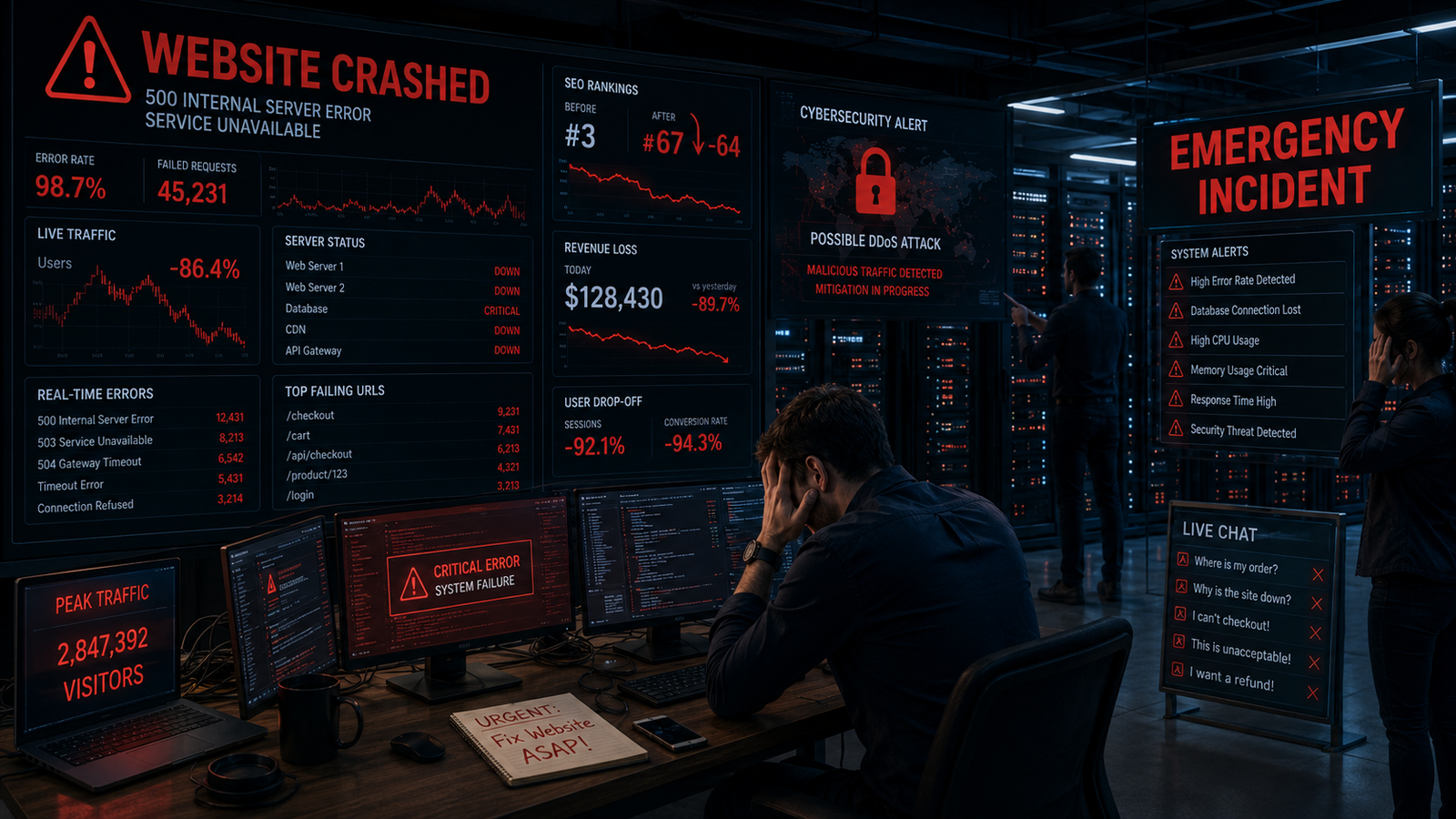
When your website goes down, your business suffers instantly.
Unfortunately, many businesses underestimate the real impact of website downtime.
They assume:
“It’s just temporary.”
But every minute offline can quietly damage:
• SEO rankings
• Customer trust
• Brand reputation
• Revenue
• Security credibility
Website downtime is not just a technical issue anymore.
It is a business risk.
What Is Website Downtime?
Website downtime happens when users cannot access your website properly.
This may include:
• Complete server failure
• Slow loading pages
• Database crashes
• Hosting issues
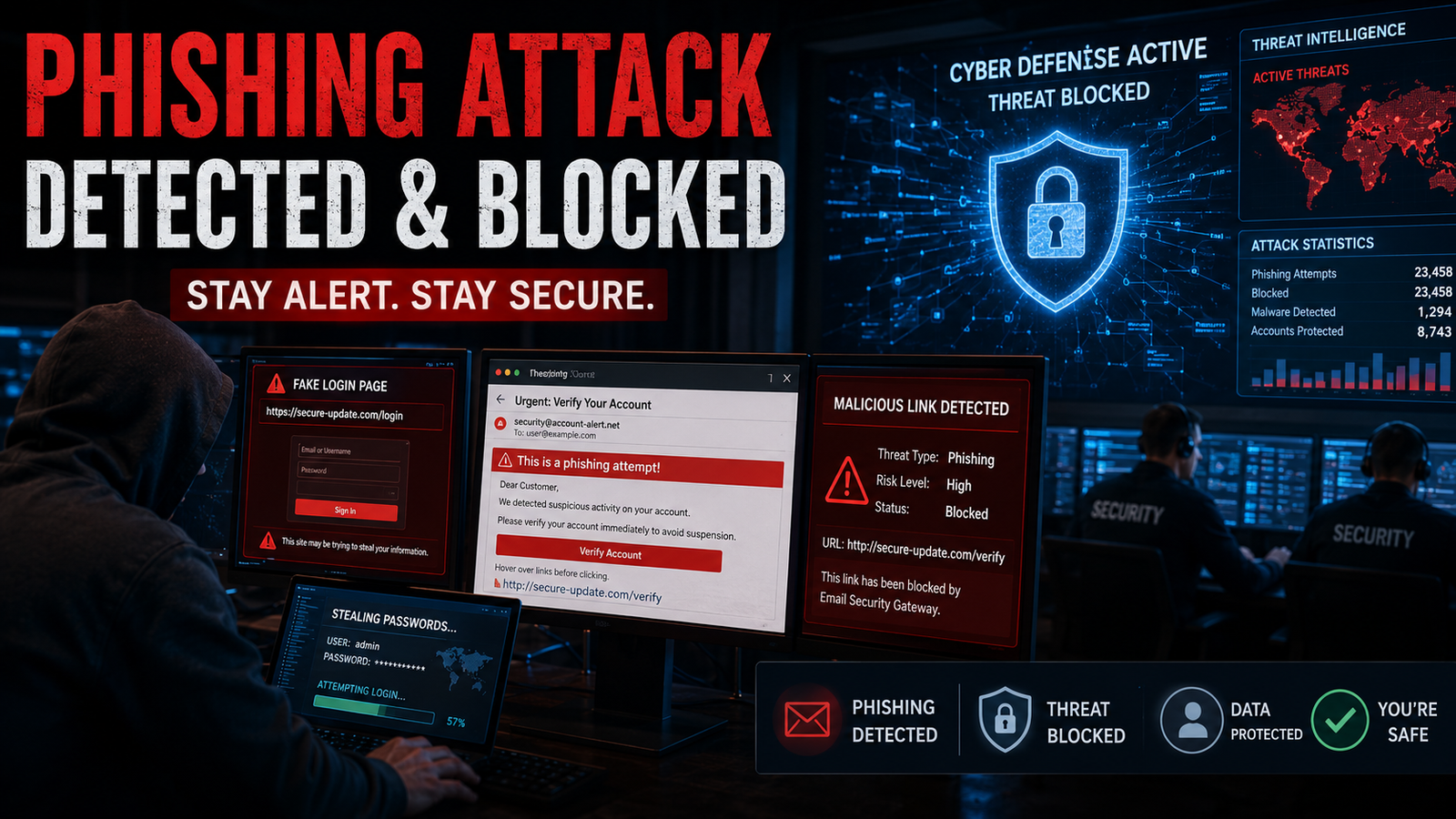
• Cybersecurity attacks
• Broken website functionality
Even a few minutes of downtime can create serious business consequences.
Especially in industries where users expect instant access.
The Hidden Cost of Website Downtime
1. Lost Visitors and Potential Customers
The most immediate impact of downtime is traffic loss.
When visitors cannot access your website:
• They leave instantly
• They become frustrated
• They often never return
Modern users have very little patience for slow or unavailable websites.
If your website fails:
Customers usually move to competitors immediately.
First Impressions Matter Online
Your website often creates the first impression of your business.
A broken or inaccessible website signals:
• Poor reliability
• Weak professionalism
• Operational instability
Even if your business is excellent offline, downtime damages online perception rapidly.
2. Lower Search Engine Rankings
One of the most damaging long-term effects of downtime is SEO impact.
Search engines prioritize websites that provide:
• Reliable performance
• Fast loading speed
• Strong user experience
• Consistent availability
Frequent downtime sends negative quality signals to search engines.
This can result in:
• Lower search visibility
• Ranking drops
• Reduced organic traffic
• Slower indexing
Why Google Cares About Website Stability
Search engines aim to provide users with reliable experiences.
If your website:
• Frequently crashes
• Loads slowly
• Becomes inaccessible
Google may reduce trust in your site quality.
This directly affects your:
• SEO performance
• Organic reach
• Website authority
Website health is now deeply connected to technical SEO.
3. Revenue Loss
Downtime directly affects business income.
For ecommerce businesses, SaaS platforms, booking systems, or service websites:
every minute offline can mean lost sales opportunities.
Customers cannot:
• Make purchases
• Submit inquiries
• Complete payments
• Access services
This creates immediate revenue impact.
Small Downtime Can Create Big Financial Damage
Even short outages during:
• Sales campaigns
• Product launches
• Peak traffic periods
can result in significant business losses.
For larger businesses, downtime costs can reach thousands of dollars per hour.
4. Damage to Brand Reputation
Trust takes years to build.
Downtime can damage it quickly.
Customers expect businesses to maintain:
• Stable systems
• Secure infrastructure
• Professional digital experiences
Frequent technical failures reduce confidence.
People start questioning:
• Business reliability
• Data safety
• Operational quality
Reputation Damage Is Harder to Recover Than Traffic
Traffic can return through marketing.
Lost trust is much harder to rebuild.
Customers remember negative digital experiences for a long time.
Especially when:
• Payments fail
• Services become inaccessible
• Important data gets interrupted
5. Increased Security Risks
Many downtime incidents are connected to cybersecurity vulnerabilities.
Common risks include:
• DDoS attacks
• Malware infections
• Server exploitation
• Plugin vulnerabilities
• Weak hosting infrastructure
A compromised website not only goes offline —
it can also expose customer data and business systems.
Security and Website Health Go Together
Businesses must treat website health and cybersecurity as connected systems.
Strong security practices include:
• SSL protection
• Regular updates
• Firewall systems
• Secure hosting
• Backup systems
• Malware monitoring
Ignoring security increases downtime risk dramatically.
Common Causes of Website Downtime
Technical Issues
• Server overload
• Hosting failures
• Database corruption
• Coding bugs
• Expired domains
Human Errors
• Incorrect deployments
• Broken updates
• Configuration mistakes
• Plugin conflicts
Cybersecurity Threats
• DDoS attacks
• Malware injections
• Hacking attempts
• Bot attacks
Signs Your Website Health Is Weak
Warning Signals Businesses Ignore
• Frequent loading delays
• Random outages
• High bounce rates
• Broken pages
• Server timeout errors
• Security warnings in browsers
These are early indicators of deeper technical problems.
How to Reduce Website Downtime
1. Use Reliable Hosting Infrastructure
Cheap hosting often creates instability.
Invest in:
• Scalable servers
• Cloud hosting
• CDN services
• Performance optimization
2. Monitor Website Uptime
Use uptime monitoring systems to:
• Detect failures instantly
• Receive alerts
• Analyze performance issues
Early detection prevents larger damage.
3. Improve Website Security
Regularly:
• Update software
• Scan vulnerabilities
• Install security layers
• Use secure authentication
Security directly impacts website stability.
4. Optimize Website Performance
Fast websites perform better in:
• SEO
• User experience
• Conversion rates
Optimize:
• Images
• Code
• Database performance
• Caching systems
5. Maintain Regular Backups
Backups help businesses recover quickly after:
• Crashes
• Cyberattacks
• Data corruption
Without backups, downtime recovery becomes extremely expensive.
Website Health Is Business Health
Modern businesses depend heavily on digital infrastructure.
Your website affects:
• Brand image
• Customer trust
• Search rankings
• Lead generation
• Sales performance
A healthy website creates:
• Better visibility
• Stronger credibility
• Higher conversions
• Long-term business stability
Conclusion
Website downtime is not a small inconvenience anymore.
It is a direct threat to:
• SEO rankings
• Revenue
• Customer trust
• Brand reputation
• Security credibility
In a world where customers expect instant digital access, even short downtime can create lasting damage.
Businesses that prioritize website health gain:
• Better search visibility
• Stronger customer confidence
• Improved operational stability
• Higher business growth potential
Because in modern business:
Your website is not just a platform.
It is your digital foundation.
FAQ Section
What is website downtime?
Website downtime refers to periods when a website becomes inaccessible or unavailable to users due to server issues, technical failures, cyberattacks, hosting problems, or maintenance errors.
How does website downtime affect SEO?
Search engines may lower rankings for websites with frequent downtime because poor availability negatively impacts user experience and website reliability.
Can website downtime cause revenue loss?
Yes. Downtime prevents users from accessing products, services, forms, and payment systems, directly affecting sales and lead generation.
Why is website uptime important?
High website uptime ensures:
• Better user experience
• Stronger SEO performance
• Improved customer trust
• Stable business operations
What causes website downtime?
Common causes include:
• Server failures
• Poor hosting
• Traffic overload
• Coding errors
• Cyberattacks
• Expired domains or SSL certificates
• Plugin conflicts




Comments (10)
By Rahul Sharma
Jun 26, 2026This article is clear, informative, and easy to understand.
By Priya Verma
Jun 26, 2026Really helpful content for beginners and professionals alike.
By Arjun Patel
Jun 26, 2026This blog answered many of my questions.
By Ananya Kapoor
Jun 26, 2026Loved the practical approach used in this post.
By Michael Johnson
Jun 26, 2026Very insightful article, learned something new today.
By Emily Carter
Jun 26, 2026This article is clear, informative, and easy to understand.
By Daniel Kim
Jun 26, 2026Really helpful content for beginners and professionals alike.
By Sophia Martinez
Jun 26, 2026This blog answered many of my questions.
By Liam Wilson
Jun 26, 2026Loved the practical approach used in this post.
By Neha Singh
Jun 26, 2026Very insightful article, learned something new today.